 100% Free
TG Live Chat
Instant customer support via Telegram. Your visitors chat on your website — you reply from your phone.
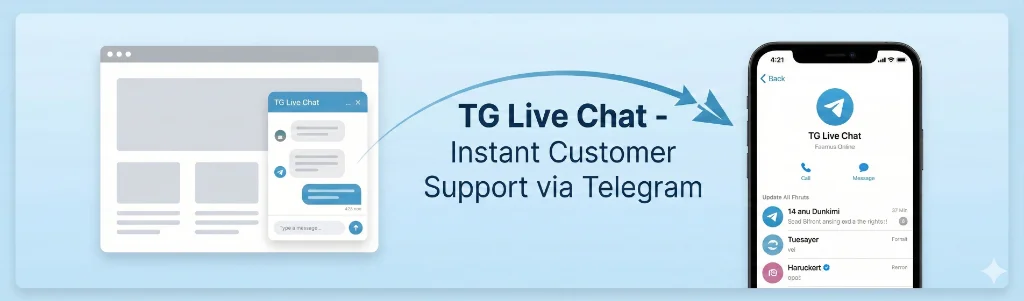
Why Telegram?
Telegram has 800+ million monthly active users. Chances are, you already use it for team communication, client discussions, and business bots. Why not use it for customer support too?
Reply from anywhere
Your phone, tablet, or desktop. Telegram works everywhere.
Completely free
Telegram's Bot API is free with no message limits for typical business use.
Instant delivery
Messages arrive in real-time via webhooks. No delays.
How It Works
Simple, straightforward, and it just works.
Customer starts chat
Visitor fills in their name and email on your website
Message to Telegram
Their message is sent instantly to your Telegram app
You reply
Reply directly from Telegram — no need to open WordPress
Customer receives
Your reply appears in the website chat widget
Key Features
Everything you need. Nothing you don't.
Privacy-First
Your data stays on YOUR server. We never see it. No external tracking, no third-party analytics.
Multi-Admin Support
Running a team? Enter multiple chat IDs and everyone receives messages simultaneously.
Customizable Widget
3 beautiful skins (Default, Dark, Light). Custom name, avatar, welcome message, and position.
Auto-Delete Data
Set customer data to automatically delete after X days. GDPR-friendly by default.
Page Exclusions
Don't want the chat on certain pages? Exclude them with a simple comma-separated list.
Lightweight
Just ~30KB total. Loads asynchronously. Zero impact on your Core Web Vitals.
How Does It Compare?
See how TG Live Chat stacks up against popular live chat solutions.
| Feature | TG Live Chat | LiveChat | Tidio | Zendesk | Crisp |
|---|---|---|---|---|---|
| Monthly Cost | Free | $20+/agent | $29+/month | $49+/agent | $25+/month |
| Reply from phone | ✓ Telegram | ✓ App | ✓ App | ✓ App | ✓ App |
| No separate app needed | ✓ | ✗ | ✗ | ✗ | ✗ |
| Data stays on your server | ✓ | ✗ | ✗ | ✗ | ✗ |
| GDPR compliant by default | ✓ | ⚠️ Config | ⚠️ Config | ⚠️ Config | ⚠️ Config |
| Auto-delete customer data | ✓ | ✗ | ✗ | ✗ | ✗ |
| No external tracking | ✓ | ✗ | ✗ | ✗ | ✗ |
| Multiple admin support | ✓ | ✓ | ✓ | ✓ | ✓ |
| Customizable widget | ✓ 3 skins | ✓ | ✓ | ✓ | ✓ |
See It In Action
Clean admin interface, organized chat history, and seamless Telegram integration.
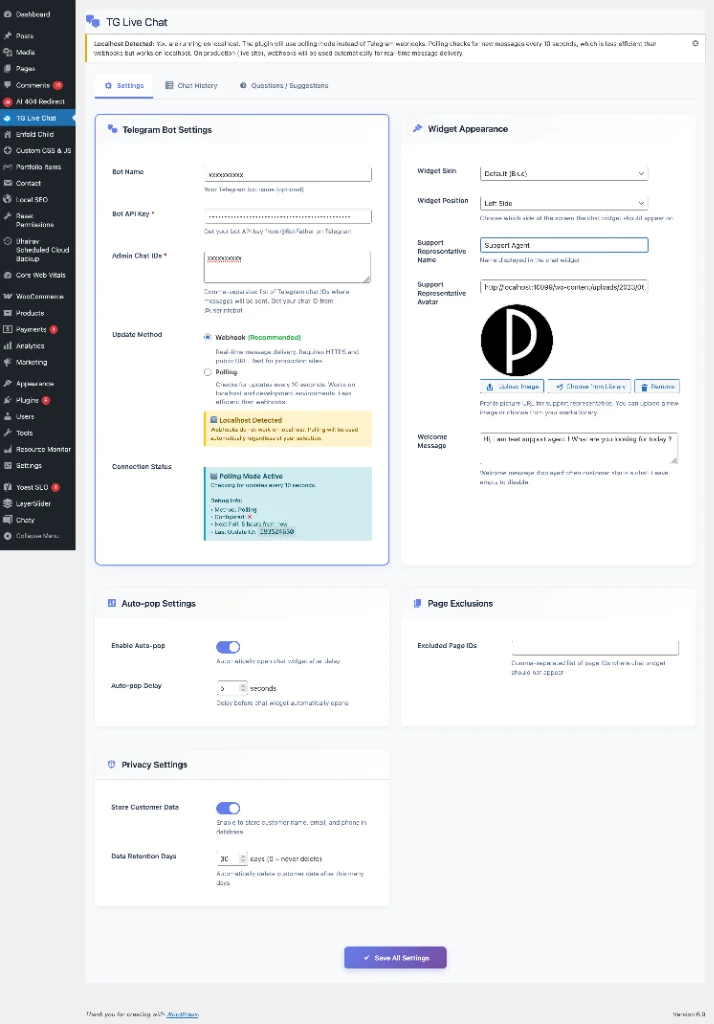
Settings & Configuration
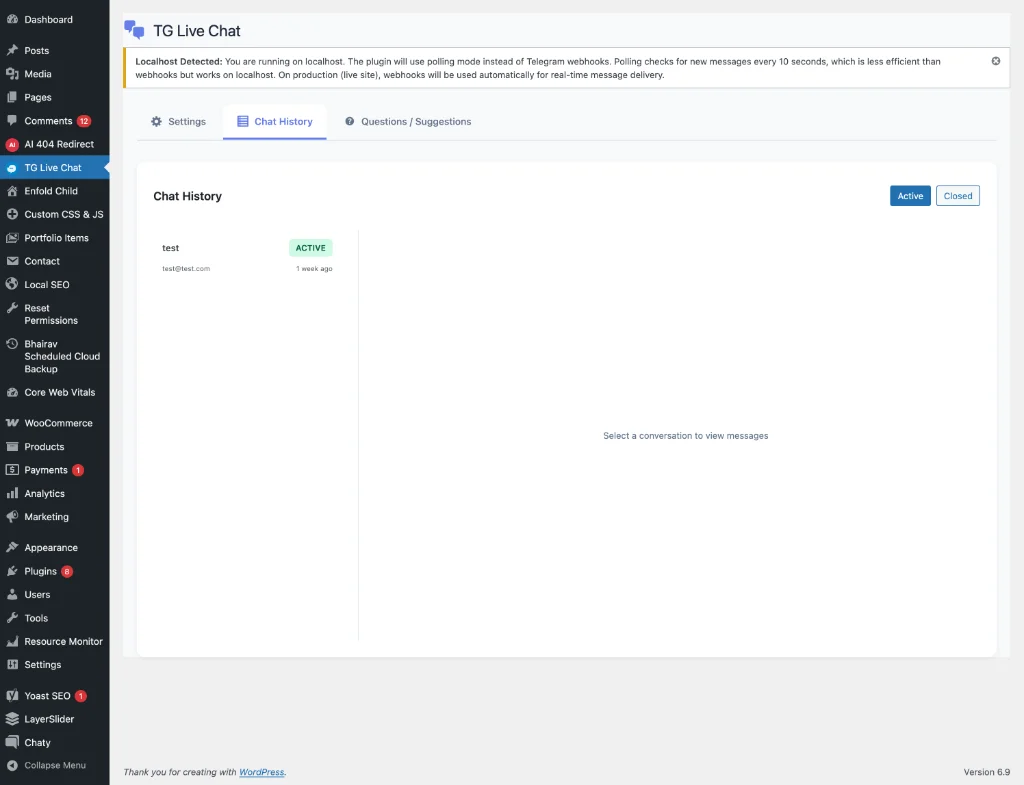
Chat History Dashboard
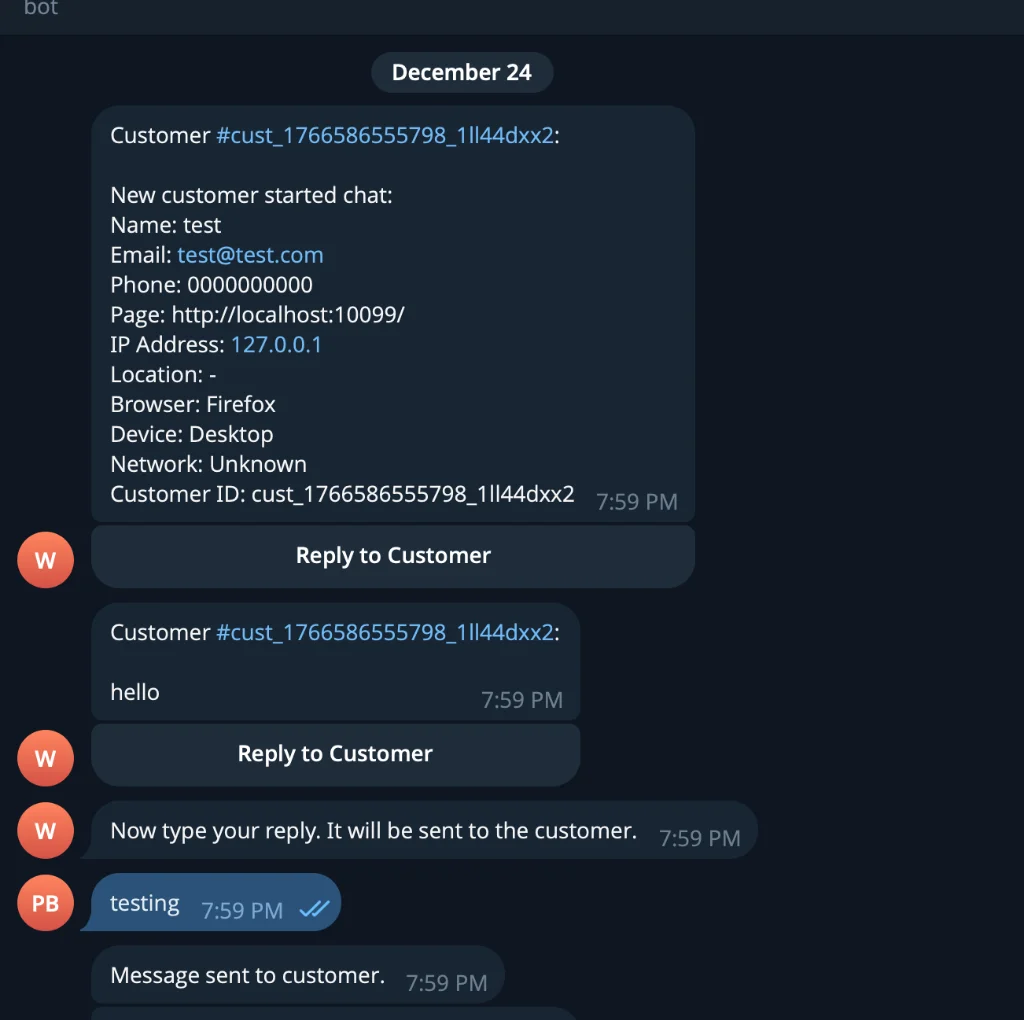
Reply from Telegram App
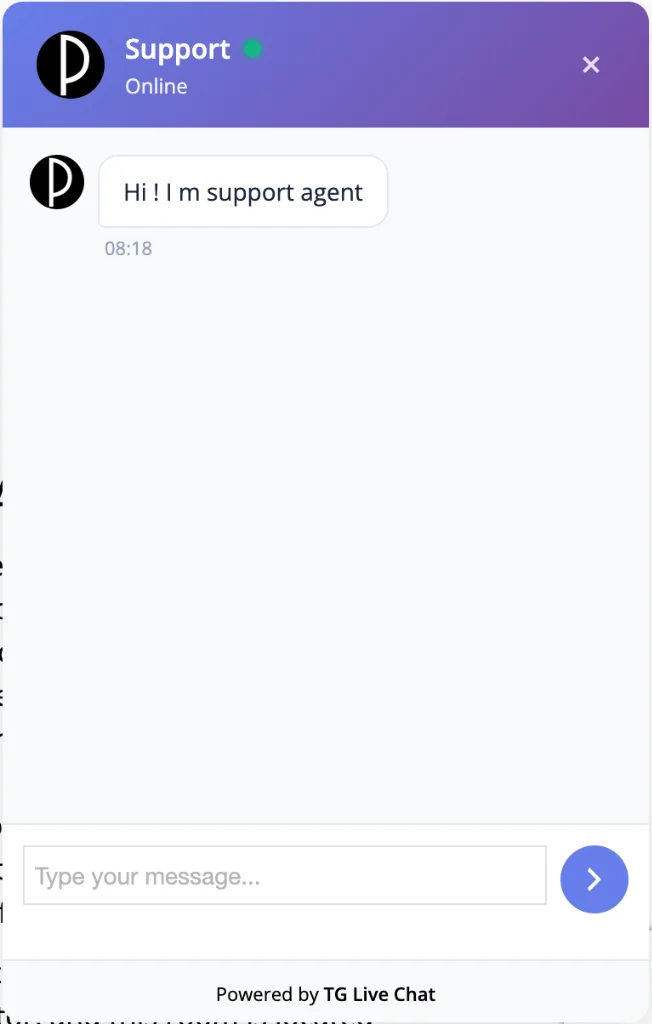
Chat Widget on Website
Get Started in 5 Minutes
No complicated setup. No API keys to purchase. Just follow these simple steps.
Create your Telegram Bot
Open Telegram, search for @BotFather, send /newbot, follow the prompts, and copy your API token.
Get your Chat ID
Search for @userinfobot in Telegram, start a conversation, and copy your Chat ID.
Install the plugin
Go to Plugins → Add New in WordPress, search for 'TG Live Chat', click Install → Activate.
Configure & go live
Go to TG Live Chat in admin menu, paste your Bot API Key and Chat ID, click Save. Done!
Frequently Asked Questions
Get answers to the most common questions about our services
Yes, completely free. The plugin is free, Telegram's Bot API is free, and there are no hidden costs or premium tiers. You get all features at no charge.
No! That's the beauty of it. You reply directly from your Telegram app on your phone or desktop. No need to log into WordPress at all.
No. Customers only communicate with your bot. Your personal Telegram account and ID remain completely private.
Yes! The chat widget loads via JavaScript and doesn't interfere with page caching. Works perfectly with WP Rocket, W3 Total Cache, and others.
Absolutely. Enter multiple Telegram chat IDs (comma-separated), and all agents receive customer messages simultaneously. Anyone can reply.
You're in control. Customer data stays on YOUR server (not ours). You can disable storage entirely, or set auto-delete after a configurable number of days.
Negligible impact. The plugin adds only ~30KB (minified CSS + JS) and loads asynchronously. We measured 0ms difference in Core Web Vitals.
Still have questions?
We'd love to discuss your project and answer any specific questions you might have.
Get in TouchReady to simplify your customer support?
Join thousands of WordPress site owners who reply to customers from their favorite messaging app.